Making Tax Digital 2026: The Complete Guide for Beginners
Everything you need to know about Making Tax Digital for Income Tax in 2026. Who's affected, what's required, deadlines, and how to comply.
Published 13 Mar 2026
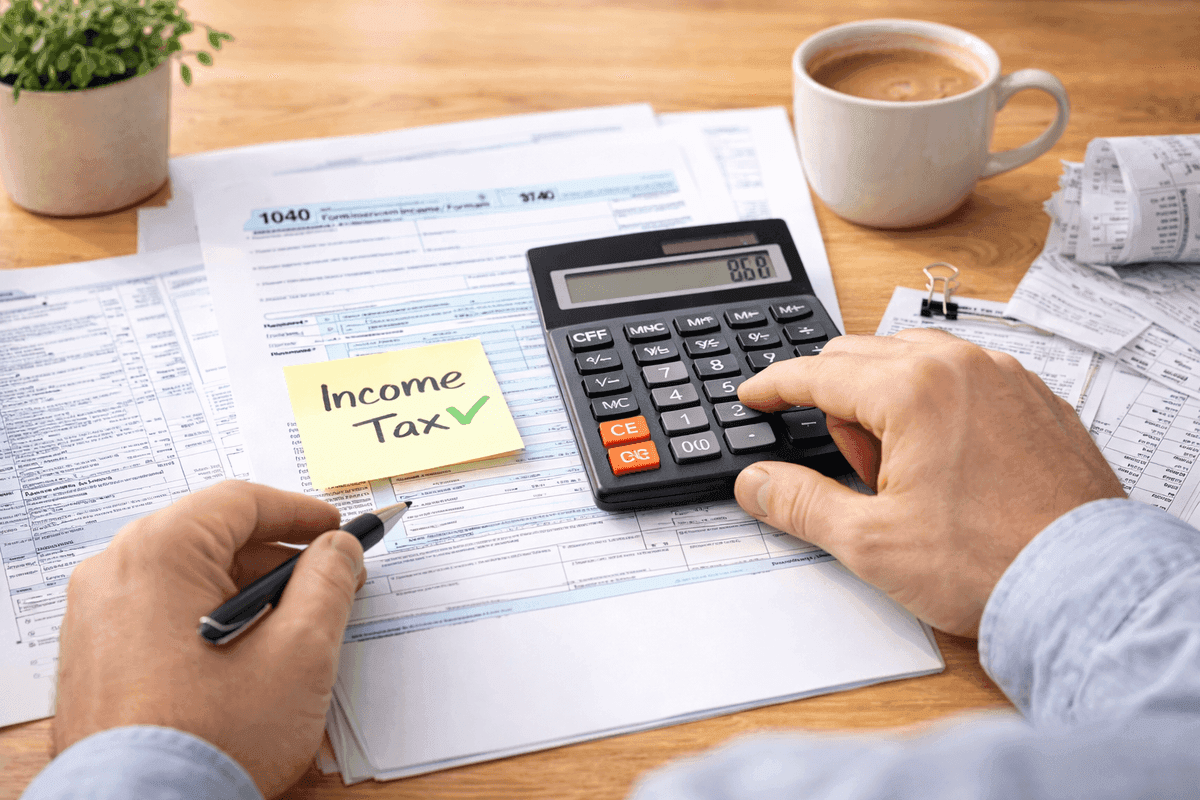
Making Tax Digital (MTD) for Income Tax is the biggest change to UK tax reporting in decades. Since 6 April 2026, the first group of sole traders and landlords has had to keep digital records and submit quarterly digital updates to HMRC.
This guide covers everything you need to know.
What is Making Tax Digital?
MTD is HMRC's programme to move the UK tax system online. Instead of filing one annual Self Assessment return, you'll send HMRC summary updates four times a year using compatible software. The idea is to reduce errors, make tax reporting more timely, and give people a clearer picture of their tax position throughout the year.
Who is affected?
Since April 2026: sole traders and landlords with qualifying income over £50,000. The threshold drops to £30,000 from 6 April 2027 and £20,000 from 6 April 2028. Partnerships, limited companies, and those below the threshold are not yet affected.
What you need to do
- Keep digital records, a spreadsheet, accounting software, or any digital tool that records your income and expenses
- Submit quarterly updates, four times a year, send HMRC your total turnover and expenses using compatible software
- File a year-end tax return, at the end of the tax year, confirm your figures and submit your annual summary (replacing the Self Assessment return)
What HMRC receives
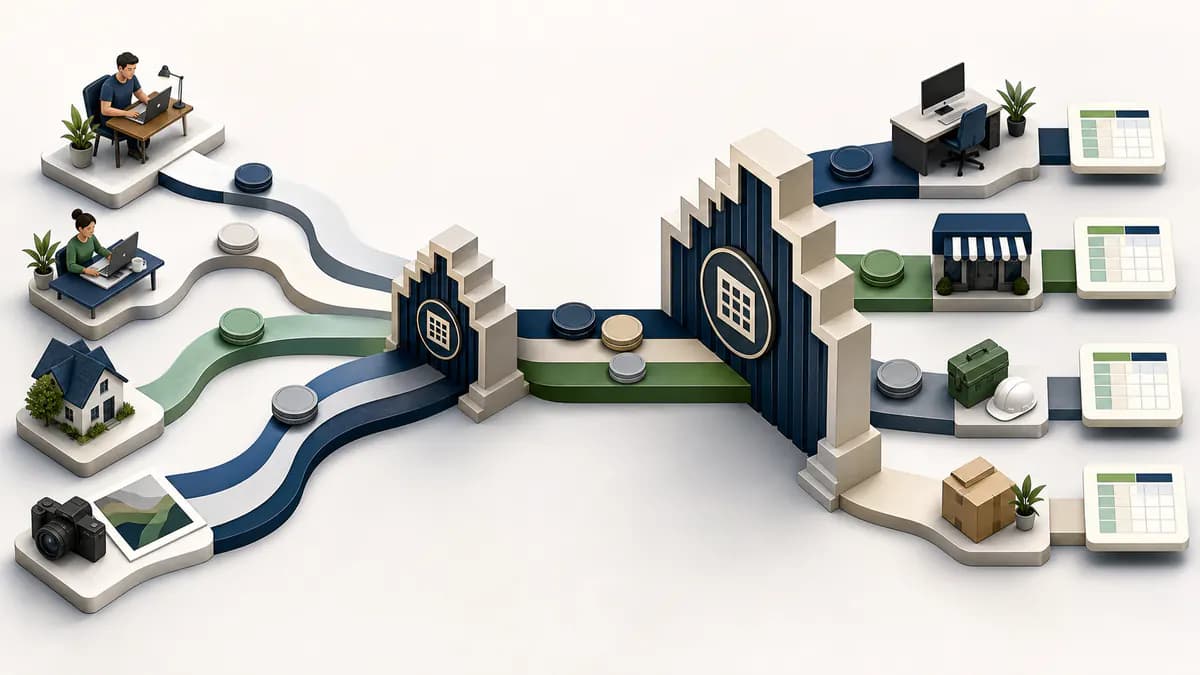
In the quarterly format flonancial supports, each update contains two cumulative figures: your total income (turnover for a sole trader or rent for UK property) and your total expenses. These are year-to-date figures. HMRC never sees your individual transactions.
Do I need accounting software?
No. You need compatible software to submit your figures, but that doesn't mean you need a full accounting platform. If you keep records in a spreadsheet, free bridging software like flonancial will handle the submission for you.
The quarterly deadlines
For the standard April-to-April tax year, submissions are due roughly one month after each quarter ends: 7 August, 7 November, 7 February, and 7 May. The year-end tax return is due by 31 January of the following year.
Penalties
HMRC uses a points-based penalty system, but HMRC says it will not apply penalty points for late quarterly updates during 2026/27. That does not remove the quarterly-update requirement, and it does not remove late payment penalties or interest.
Self Assessment vs MTD
MTD doesn't completely replace Self Assessment. You still file a year-end tax return (which is essentially the same information). The main change is the four quarterly updates throughout the year. Think of it as spreading your annual return across the year rather than doing it all in January.
How to get started
- Sign up for MTD on gov.uk (allow up to 72 hours for processing)
- Choose compatible software (flonancial is free)
- Connect to HMRC through the software
- Submit any outstanding Q1 update, then prepare the Q2 standard-period update due by 7 November 2026
More on getting started


Why is flonancial free? What's the catch?
There isn't one. Your spreadsheet is parsed in your browser, the file never touches our servers. HMRC's API is free to use. We never see your individual transactions or bank details, we don't sell your information, and we don't show you ads. The mandatory MTD pieces, quarterly updates and the year-end tax return, will always be free.